Page 1 of 1
Rest/Shared Dreams
Posted: Mon Feb 06, 2017 4:25 am
by apendrag0n3
I am trying to figure out how to mimic - rest/shared dreams function from the original game. Has anyone already done this?
Re: Rest/Shared Dreams
Posted: Mon Feb 06, 2017 5:50 am
by Dr.Disaster
Aye. Check out
Komag's Remake of the game.
Re: Rest/Shared Dreams
Posted: Wed Feb 08, 2017 3:08 am
by apendrag0n3
Thanks, Dr. D!
Re: Rest/Shared Dreams
Posted: Wed Feb 08, 2017 4:24 am
by Komag
It's not animated (gears don't turn), but I did the best I could to recreate at least the basic look and feel
Re: Rest/Shared Dreams
Posted: Wed Feb 08, 2017 5:11 am
by Isaac
Komag wrote:It's not animated (gears don't turn), but I did the best I could to recreate at least the basic look and feel
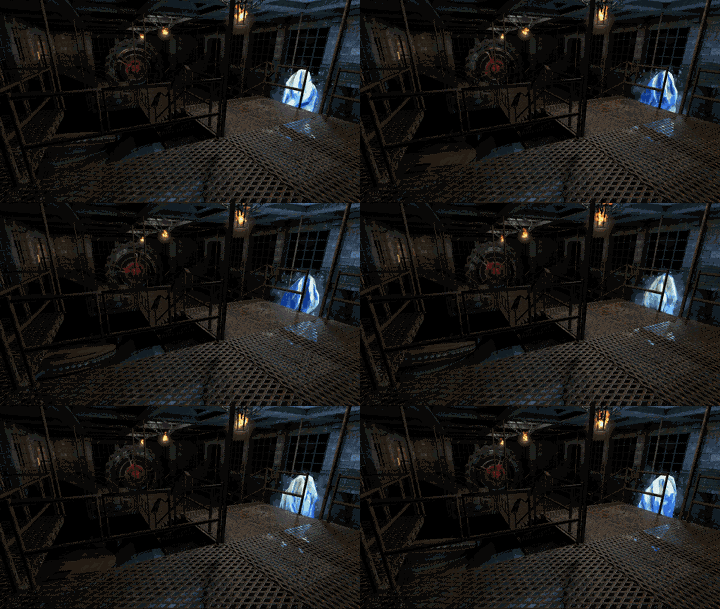
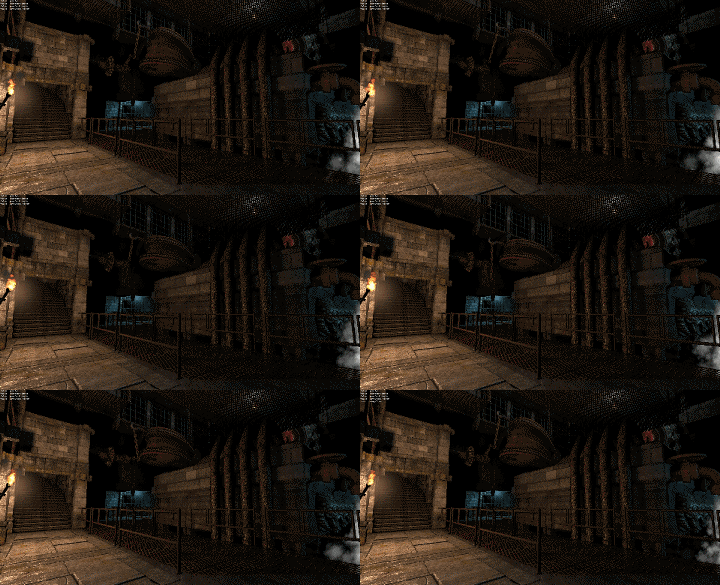
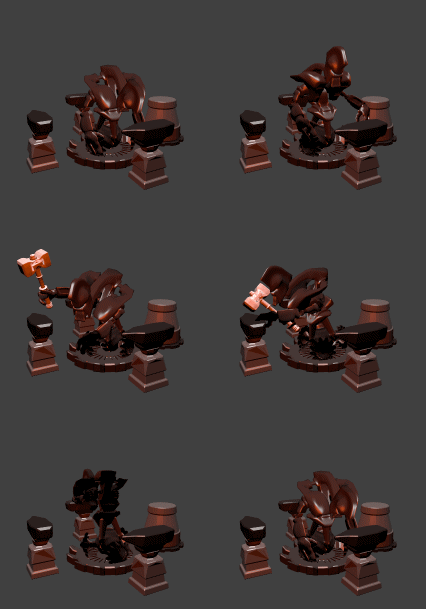
The way you can do it is rather involved, but works. You create a new level for the cinematic, teleport the party there at the beginning and back from it when it ends.
For the gears (or any animation), you make custom button objects, and assign custom animated models; (made in Blender). The button class in LoG has a scriptable :push() function, and so you animate actions (or loop actions) by repeatedly calling the button on a timer.
You will have to redefine the hardcoded button sound effect as silent, and redefine all of the official buttons to connect to a sound effect script that plays the button sound effect [by default] for any ID that it doesn't recognize; and plays the sound effect of your choice for each animation (by the calling object ID).
This is how I did the animations in my ORRR2 room for LoG1.
Re: Rest/Shared Dreams
Posted: Wed Feb 08, 2017 6:05 am
by Komag
That's very impressive!
Re: Rest/Shared Dreams
Posted: Wed Feb 08, 2017 9:25 am
by minmay
If you want to play a looping animation, it's usually easier to use the Monster class, since it supports a looping idle animation:
Code: Select all
defineObject{
	name = "drinn_fountain",
	class = "Monster",
	model = "mod_assets/models/env/drinn_fountain.fbx",
	meshName = "Torus_001",
	animations = {
		idle = "mod_assets/animations/drinn_fountain.fbx",
	},
	moveSound = "silence",
	attackSound = "silence",
	hitSound = "silence",
	dieSound = "silence",
	hitEffect = "hit_goo",
	capsuleHeight = 0.4,
	capsuleRadius = 0.6,
	health = 400,
	sight = 1,
	attackPower = 1,
	accuracy = 1,
	coolDown = { 42, 42 },
	protection = 1,
	evasion = -1000,
	movementCoolDown = 42,
	noRecoilInterval = { 0.2, 0.7 },
	exp = 0,
	healthIncrement = 1,
	attackPowerIncrement = 1,
	brain = "Melee",
	immunities = { "assassination", "backstab" },
	onMove = function() return false end,
	onTurn = function() return false end,
	onAttack = function() return false end,
	onDamage = function() return false end,
	onProjectileHit = function() return false end,
-- crashed Monster:destroy() for some reason
--	onDie = function() return false end,
	editorIcon = 56,
}
The code for this is a lot shorter and self-contained. The button approach makes seamless loops functionally impossible, since you can't hold the game's framerate constant.
The disadvantage of this is that the Monster class occupies a square, so you can't put it in a square that's supposed to be empty, like you can with a button. And you need to put it in a square where occlusion doesn't cull it at the wrong times. So depending on where you need your animation, it may not be usable. In the case of recreating the dreams the Monster approach is definitely easier, since the party won't be moving anyway.